Can I play The King of Dragons online?
Yes. You can play The King of Dragons directly in your browser. Open the game page and click play to start without setting up an emulator first.
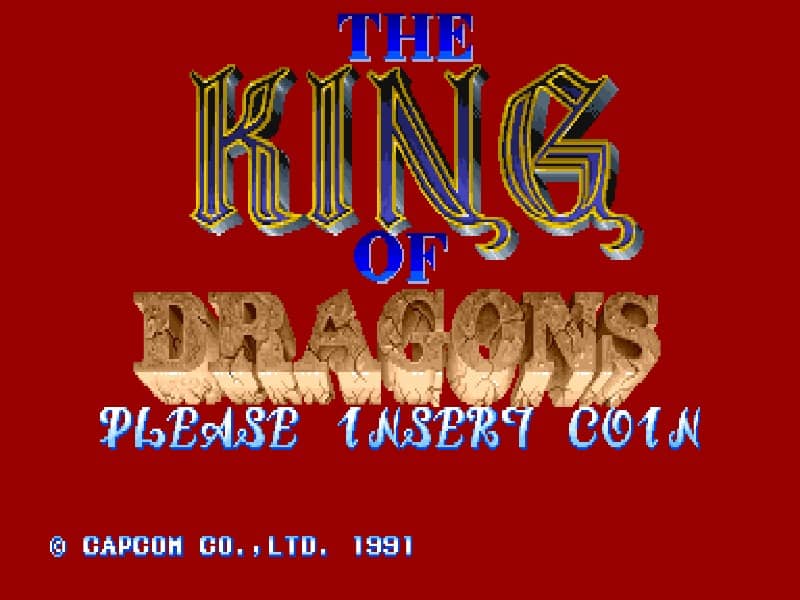
A side-scrolling fantasy action game where players choose from one of five character classes to battle through hordes of monsters and defeat the evil red dragon Gildiss.
In The King of Dragons, you select a hero—Fighter, Cleric, Elf, Dwarf, or Wizard—each with unique strengths in attack power, magic, and range. Your goal is to fight through sixteen levels of side-scrolling combat, defeating monsters, collecting treasure for experience points to level up your character, and confronting powerful bosses. As you progress, focus on learning enemy attack patterns and using your character's special magic attack strategically to clear screens of foes or damage bosses significantly. In the early stages, prioritize collecting treasure to quickly increase your stats. During tense moments, especially against bosses, maintain distance when possible and time your attacks carefully, as health restoration items are limited.
Yes. You can play The King of Dragons directly in your browser. Open the game page and click play to start without setting up an emulator first.
No. The King of Dragons is available as a no-download browser game, so you can start playing without installing extra software or downloading files.
The King of Dragons is a Arcade game in the Action category. You can use the platform, genre, and related games sections to find similar titles.
The King of Dragons usually works in modern browsers on desktop, tablet, and mobile devices. For the most stable gameplay experience, use Chrome or another mainstream browser.
The King of Dragons is listed with developer information for Capcom. You can also browse related games from the same developer or genre.